The CRM That Closes: How Top Producers Turn Their Database Into a Deal Machine
By Will Rapuano | Velocity Builders|
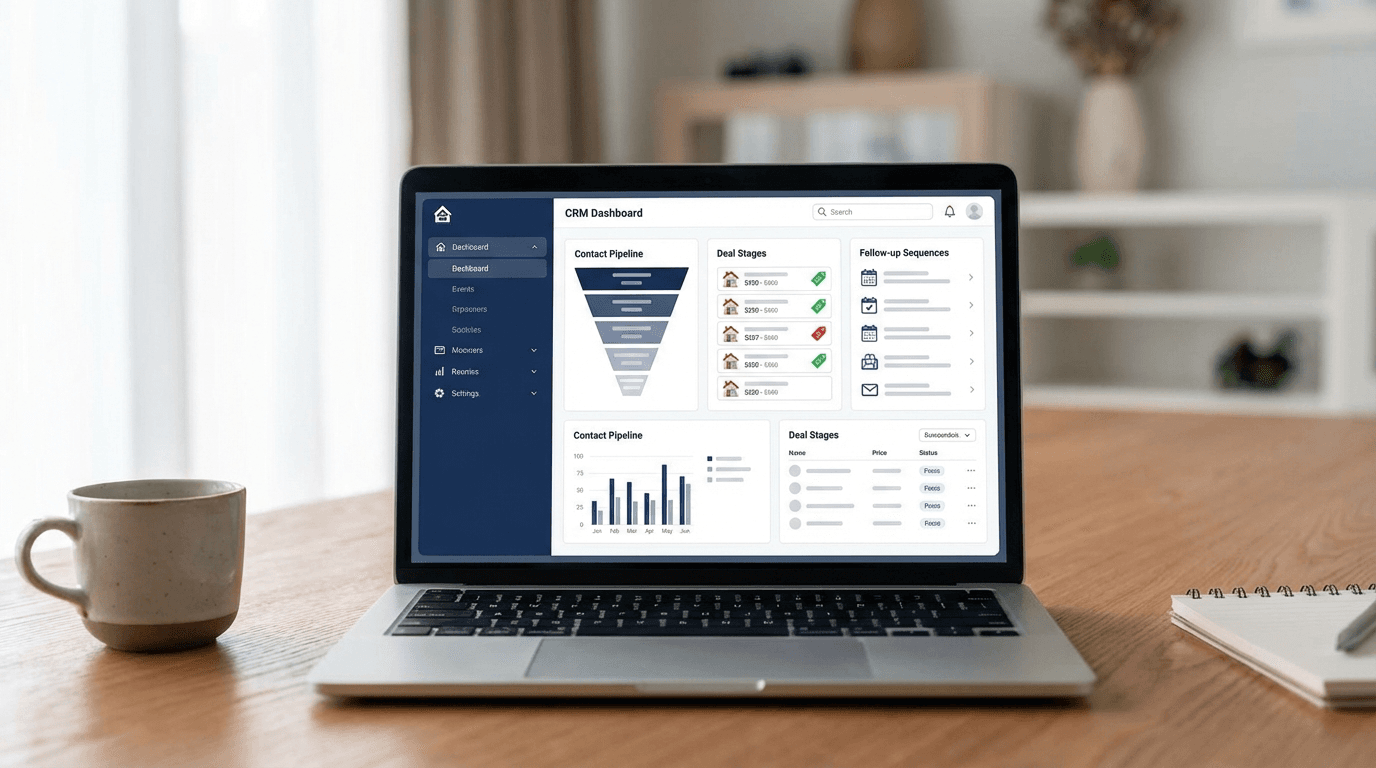
Your CRM has 2,000 contacts in it. How many deals did it generate last year?
If the answer isn't "at least 20," your CRM isn't a system — it's a graveyard. A place where leads go to die quietly while you chase new ones.
The difference between agents closing 15 transactions a year and agents closing 50 isn't talent, market knowledge, or hustle. It's what happens inside their CRM when they're not looking.
The Database You're Sitting On
The average agent's CRM contains $2.4 million in unrealized commission. That's not hyperbole — it's math.
Take 1,000 contacts. Industry data shows 5-7% of any database is actively in a buying or selling cycle at any given time. That's 50-70 live opportunities sitting in your contacts right now.
At a $12,000 average commission, even converting a third of them means $200,000+ in revenue. From people who already know your name.
The problem isn't your database. It's what you're doing with it — which is nothing.
ℹ️ The Math on Your Existing Database
1,000 contacts × 5–7% "ready to transact in 12 months" = 50–70 potential deals. At $12,000 avg commission, converting a third of them = $200,000+ in recoverable revenue. The problem isn't your database — it's what you're doing (or not doing) with it.
Why "Manual CRM" Is an Oxymoron
Here's what most agents call CRM management: they log in Monday morning, scan their contacts, make a few calls, send a couple texts, update some notes, and feel productive for 45 minutes. Then they don't touch it again until next Monday.
That's not management. That's a lottery ticket.
Effective CRM usage requires 15-25 touchpoints per contact per year, personalized by lifecycle stage, delivered across multiple channels, timed to behavioral triggers. No human can do that manually for 500+ contacts. It's physically impossible.
Automation isn't a luxury. It's the only way CRM actually works.
The 4-Layer Automation Framework
| Layer | What It Does | Key Outcome |
|---|---|---|
| Layer 1: Intake & Categorization | Auto-tags, scores, and routes every new lead | Zero manual data entry — every lead captured correctly |
| Layer 2: Lifecycle Sequences | Sends right message to right person at right stage | No lead falls through the cracks |
| Layer 3: Behavioral Triggers | Fires messages based on contact actions (website visit, email open, rate change) | 3–5x higher conversion vs. scheduled drips |
| Layer 4: Reporting & Optimization | Weekly pipeline value, conversion rate, ROI per source | Identify what's working and double down |
Layer 1: Intake & Categorization
Every new contact gets automatically tagged and routed. No manual entry. No "I'll categorize them later."
When a lead enters your system — from a website form, a social ad, an open house sign-in, or a referral — automation handles:
- Source tracking: Where did they come from? This determines ROI per channel.
- Lead scoring: Based on behavior (pages viewed, forms filled, responses) they get a temperature: hot, warm, or cold.
- Pipeline assignment: Hot leads go to your immediate follow-up queue. Warm leads enter a nurture sequence. Cold leads get long-term drip.
- Task creation: Your calendar gets a follow-up task for hot leads within 5 minutes.
Zero manual work. Every lead is captured, scored, and routed before you finish your coffee.
Layer 2: Lifecycle Sequences
Different stages require different conversations. Your CRM should know where every contact stands and adjust messaging automatically.
- New lead (Day 1-7): Rapid-fire engagement — introduction text, value email, property alerts, qualification questions. Speed matters here.
- Active buyer/seller (Day 8-90): Property matches, market updates, showing reminders, transaction milestones. The system supports the deal in progress.
- Under contract (Day 91-Close): Inspection reminders, lender check-ins, closing countdown, moving tips. Automation handles the service touches while you handle the negotiation.
- Past client (Post-close, forever): The 12-touchpoint annual system — home anniversaries, value updates, maintenance tips, referral asks. This is where lifetime value lives.
Each lifecycle stage has its own sequence. Contacts move between stages based on status changes — automatically. You update the deal stage; the system updates the messaging.
Layer 3: Behavioral Triggers
This is where CRM becomes intelligent. Instead of time-based drips, the system responds to what contacts actually do.
- Website visit: A past client views your listing page → automatic text: "Saw you checking out listings — thinking about a move?"
- Email engagement spike: A cold lead opens 3 emails in a week → alert to your phone: "Re-engaged lead — call now."
- Price drop match: A saved-search property drops in price → instant notification to the matching lead.
- Anniversary trigger: 12 months since closing → personalized home value update with equity gains.
- Inactivity trigger: 90 days with zero engagement → reactivation sequence fires.
Behavioral triggers convert at 3-5x the rate of scheduled messages because they respond to intent, not arbitrary timing.
Layer 4: Reporting & Optimization
What gets measured gets managed. Your CRM should tell you, weekly:
- Pipeline value: Total potential commission in each stage
- Conversion rates: Lead → appointment → contract → close, by source
- Sequence performance: Which automated messages get replies? Which get ignored?
- Leakage points: Where are leads falling out of the pipeline?
- ROI by source: Cost per lead and cost per closing for every channel
If you can't answer "which lead source has the highest ROI?" in 30 seconds, your CRM isn't set up correctly.
The Numbers That Prove It
Agents running a fully automated CRM consistently report:
- 40-60% increase in lead-to-appointment conversion (from faster response and consistent follow-up)
- 25-35% increase in repeat/referral business (from post-closing automation)
- 10-15 hours/week saved on manual follow-up tasks
- 3-5x ROI on CRM investment within the first year
The gap between agents who automate and agents who don't is widening every quarter. Manual CRM users are bringing a notebook to a data fight.
Build It Once, Run It Forever
The setup takes effort — categorizing your database, building sequences, configuring triggers. Plan for 2-4 weeks of focused work.
But once it's built, it runs. New leads get captured automatically. Follow-up happens without you. Past clients hear from you 12+ times a year. Behavioral signals surface opportunities you'd never catch manually.
Your CRM should be the hardest-working member of your team. If it's not generating deals while you sleep, it's just an expensive contact list.
Stop treating your database like a filing cabinet. Start treating it like a revenue engine.
Velocity Builders helps real estate agents, lenders, and brokerages build websites and marketing systems that generate and convert leads automatically.
Will Rapuano
Founder, Velocity Builders LLC. Business Development Officer at Pruitt Title. Helping real estate agents and loan officers scale with better marketing systems.
Book a 20-Minute Growth Blueprint
See where your lead handoff and follow-up are leaking deals, then fix the right things first.
Book a 20-Minute Growth Blueprint